IPTV Buffering Fix: Stop Stream Freezing & Stuttering
Solve IPTV freezing, buffering and audio lag on Smart TV, Firestick or Android. Optimize DNS, buffer cache size, and Wi-Fi connection.
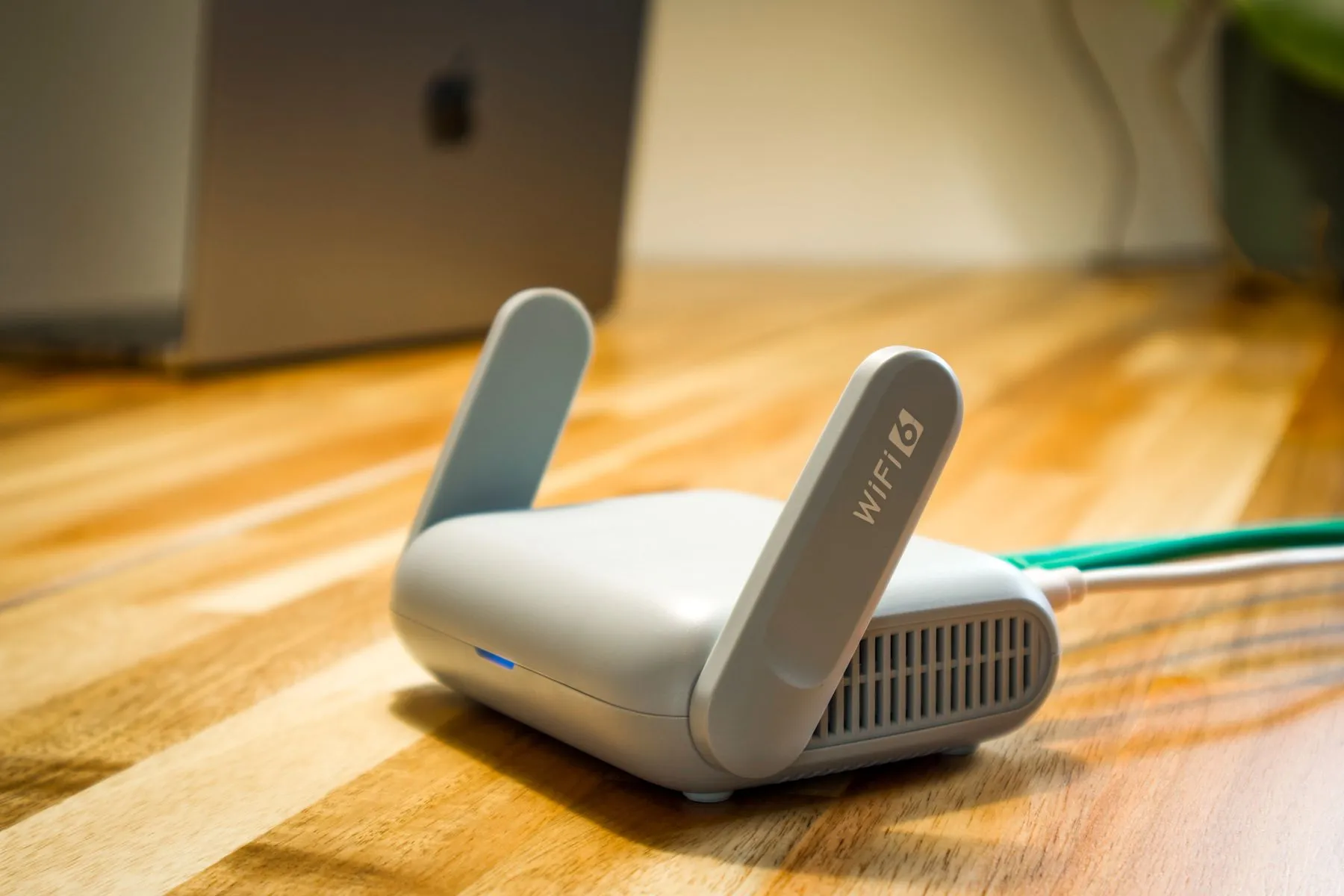
Why Does IPTV Buffer and How to Fix It
Stream buffering during high-stakes football matches is frustrating. Follow these 5 proven technical adjustments to ensure flawless 60fps playback:
1. Switch to High-Speed Cloudflare DNS
Default Internet Service Provider (ISP) DNS servers frequently throttle streaming traffic.
- Set Primary DNS to:
1.1.1.1 - Set Secondary DNS to:
1.0.0.1(or Google8.8.8.8) - This immediately resolves DNS lookup latency and ISP throttling.
2. Adjust Stream Buffer Size (3 to 5 Seconds)
In IPTV Smarters Pro or TiviMate:
- Go to Settings > Player Settings > Buffer Size.
- Change buffer from
Noneto3 SecondsorMedium (5s). - This creates a steady data reservoir that absorbs micro-drops in Wi-Fi signal.
3. Connect via Ethernet LAN Cable
Wi-Fi through thick walls causes packet dropouts. A direct Cat6 Ethernet cable to your Smart TV or streaming device guarantees 100% constant throughput.
4. Switch Stream Format (HLS vs MPEG-TS)
In your IPTV app settings, toggle the stream format between MPEG-TS and HLS (.m3u8). HLS adapts dynamically to bandwidth fluctuations.
5. High-Bandwidth Anti-Freeze™ 9.3 Servers
Our premium subscriptions run on dual-redundant, load-balanced CDN servers. Even during European Champions League finals, capacity scales automatically.