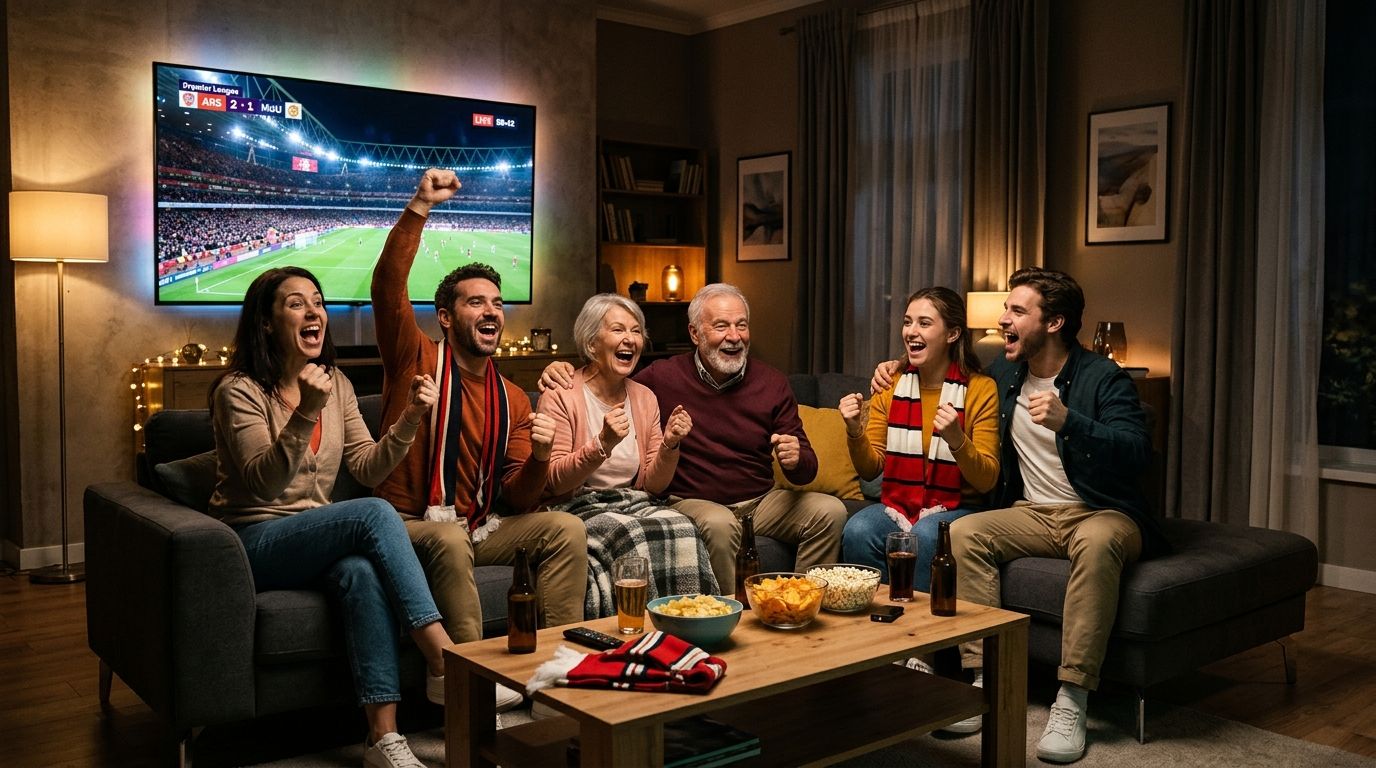


How to Install and Setup IPTV on Samsung & LG Smart TVs
Step-by-step tutorial to install IPTV Smarters Pro, IBO Player or TiviMate on Samsung Tizen & LG webOS Smart TVs. 4K stream setup in 5 minutes.
Enjoy over 20,000 live channels and 50,000 movies and series in 4K Ultra HD. Zero buffering, compatible with all your devices, activated in under 5 minutes.
Packages & Pricing
Watch live TV, sports and movies via your internet. Instant activation in 5 minutes.
Select 3, 6 or 12 months with no commitments.
Instant activation and easy setup guide sent to your WhatsApp.
Open the app on your TV or screen and enjoy all channels immediately.
Direct activation within 5 minutes. WhatsApp customer support 7 days a week.
Instead of cables or satellite dishes, channels arrive via your broadband connection. Modern, fast and reliable.
On a Smart TV, Fire TV, Android TV, Apple TV or smartphone, an app streams all channels seamlessly.
Our 9.3 Anti-Freeze servers ensure maximum stability with zero freezing during major matches.
IPTV and The Law
IPTV technology itself is 100% legal. Always choose reliable and private setups for your home entertainment.
Read the full legal guideOur IPTV service is compatible with all top-tier streaming applications:
| IPTV Smarters Pro | RecommendedThe most popular player for Smart TV and Firestick |
|---|---|
| IBO Player | Fast & StableOptimized for Samsung and LG Smart TVs |
| TiviMate | PremiumThe best IPTV interface on Android TV and Firestick |
| Flix IPTV | ReliableGreat performance on all Smart TV brands |
| XCIPTV | Full FeaturedModern player with built-in EPG and catch-up |
Stream on any device you already own with ease:
Step-by-step tutorial to install IPTV Smarters Pro, IBO Player or TiviMate on Samsung Tizen & LG webOS Smart TVs. 4K stream setup in 5 minutes.
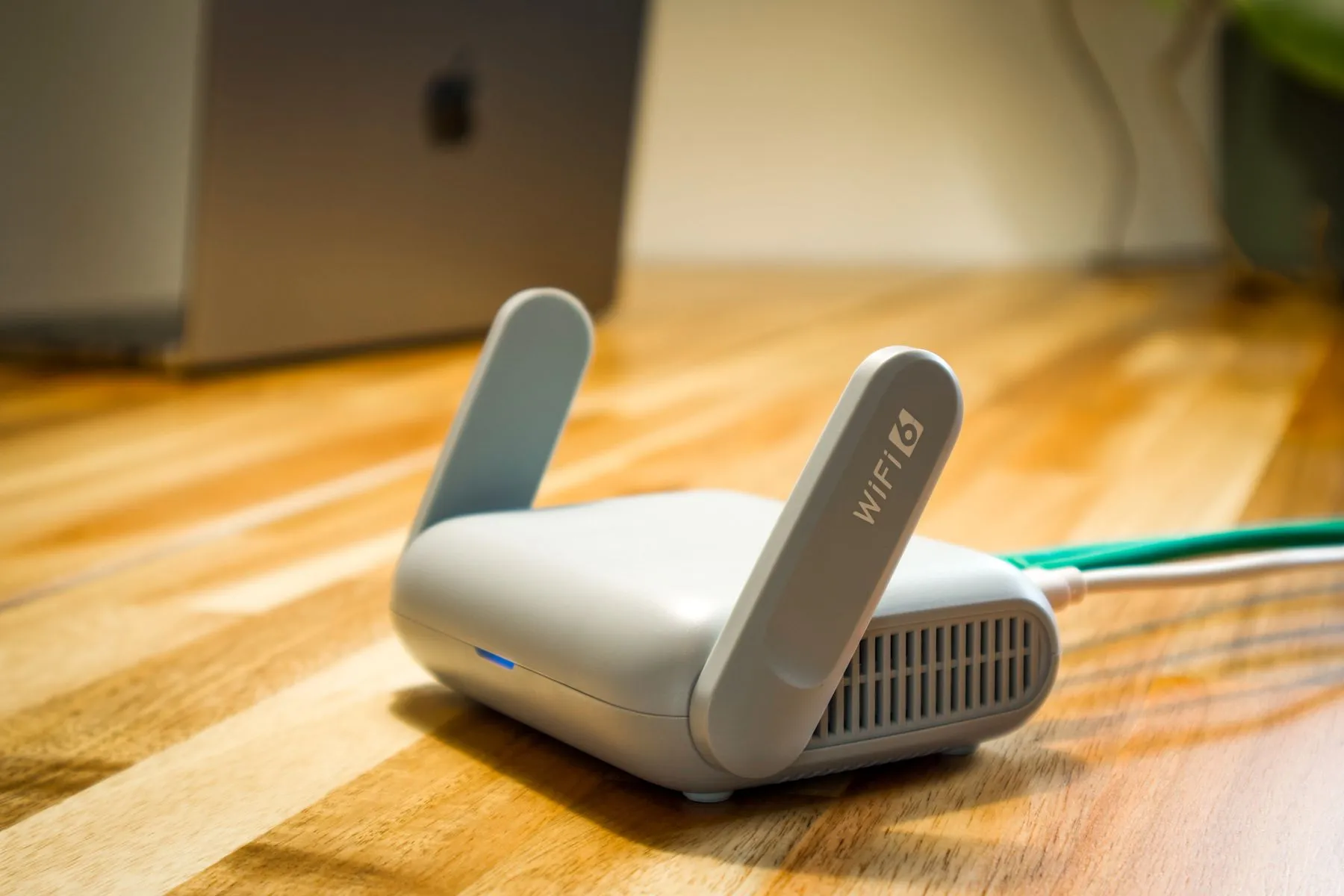
Solve IPTV freezing, buffering and audio lag on Smart TV, Firestick or Android. Optimize DNS, buffer cache size, and Wi-Fi connection.

Avoid unreliable IPTV providers: server stability, 4K quality, customer support on WhatsApp, and why a 24h test is indispensable.

Comparison of IPTV features in Belgium: local channels, sports broadcasting rights, internet bandwidth requirements and app setup.

How much internet bandwidth is needed for 4K IPTV? Tips for 5GHz Wi-Fi, mesh routers, and latency reduction for smooth streaming.
IPTV stands for « Internet Protocol Television » : live TV channels, sports and on-demand movies stream directly over your broadband internet connection instead of outdated satellite dishes or cable TV.
You can request an instant 24-hour trial with zero obligation by messaging us on WhatsApp. We send your login credentials in under 5 minutes so you can test all channels and sports on your screen.
Our service works smoothly on all popular apps including IPTV Smarters Pro, IBO Player, TiviMate, XCIPTV, and Flix IPTV. We provide step-by-step setup guides for Samsung, LG Smart TV, Amazon Firestick, and Android devices.
Compatible with Samsung & LG Smart TVs, Amazon Fire TV Stick 4K, Android TV, Apple TV, Chromecast, iOS (iPhone/iPad), Android smartphones, tablets, and Windows/Mac computers.
Contact
Need assistance setting up IPTV Smarters Pro, IBO Player, or activating your subscription? Contact us directly on WhatsApp for immediate support.